Why your next proposal shouldn't be a PDF
Your proposal is the first sample of your craft a client holds, and a flat file hides how they read it. Here is the case against the PDF proposal, a side-by-side example, and a simple rule for when a PDF is still fine.


The cost
See what a PDF proposal costs you before the client replies
You can only track whether a client has opened a proposal when it lives on the web. A PDF attachment reports nothing back: no open, no reading time, no forward, and it is the first sample of your design work the client sees.
A creative proposal does a double job. It explains the project, and it proves you can make things people want to look at. The PDF works against the second job before the client reads a word. They have to download it, find it again, and pinch and zoom through a page layout built for a laptop while they stand in a queue with a phone.
Then the file goes quiet. You hit send and wait. You don't know if it was opened, which page held their attention, or whether it was passed to the person who signs off the budget. Every revision adds another attachment, and soon the client and your team are reading different versions of the same offer.
Forrester's Buyers' Journey Survey shows that 93% of B2B buyers participated in a buying group.
That changes what a proposal is. It is not a letter to your contact. It is a document that travels through a company, read by people you never met, on devices you didn't design for. A PDF gets forwarded as a copy, so the trail ends at your inbox.
13
people within an organization are involved in the buying decision, on average
When a group decides, the useful question after sending is no longer whether your contact liked it. It is who else saw it, what they skipped, and which section started the conversation you are not part of. A flat file can't answer any of that.
What a PDF hides from you
The open
You can't tell if the file was opened today, last week or never, so every follow-up is a guess.
The reading pattern
You can't see which pages the client lingered on, reread or skipped on the way to the price.
The forward
A forwarded attachment is a new copy. You never learn that the finance lead or the founder joined the decision.
The current version
Each edit means a new file. Old copies keep circulating with old prices and old scope.
The format
Choose a structure that makes the proposal easy to decide on
The proper format for a proposal is an ordered sequence of sections, not a file type: the client problem, your approach, scope and deliverables, timeline, price options, terms and acceptance, in the order a client actually decides.
Plenty of proposal advice argues about pages and templates. The better question is order. A client reads to answer a short run of questions: do they understand us, can they do it, what exactly do we get, when, for how much, and how do we say yes. Each section should answer exactly one of those, and the last should make yes easy.
Once you think in sections instead of pages, the file type stops being neutral. A page layout freezes the order and the content for every reader. A web proposal built from blocks lets you drop the case study a client won't care about, move the timeline up for a client in a hurry, and keep the price where the argument has earned it.
McKinsey's research on how business customers buy shows that almost 65 percent of B2B customers come away from the decision journey frustrated by inconsistent experiences.
A proposal is often the moment those channels meet: the call, the email thread, the deck, the site. If the proposal looks and reads like the rest of your work, it holds the story together. If it is a cramped attachment, it breaks it.
The sections a client decides with
| Section | Question it answers | What a web proposal adds |
|---|---|---|
| Client problem | Do they understand us? | Their brand, their words, their images up front |
| Approach and past work | Can they do it? | Embedded video and galleries instead of screenshots |
| Scope and deliverables | What exactly do we get? | Clear lists the client can scan on a phone |
| Timeline | When will it happen? | A milestone block that stays current after edits |
| Price options | How much, and what are the choices? | Tiers and optional add-ons the client can toggle |
| Terms and acceptance | How do we say yes? | Sign or approve inside the document |
Forrester's State of Business Buying research reports that 86% of B2B purchases currently stall during the buying process.
Stalls rarely come from a bad idea. They come from a missing answer: a scope line nobody can confirm, a price option that needs a call, a signature that needs a printer. Build the acceptance step into the proposal itself and you remove at least a single reason to wait.

Worked example
Compare a single studio proposal as a PDF and as a web proposal
Every proposal should include five things: the client problem, scope and deliverables, a timeline, pricing and a way to accept. This example puts the same five things in a PDF and in a web proposal, and shows the signals each format gives back.
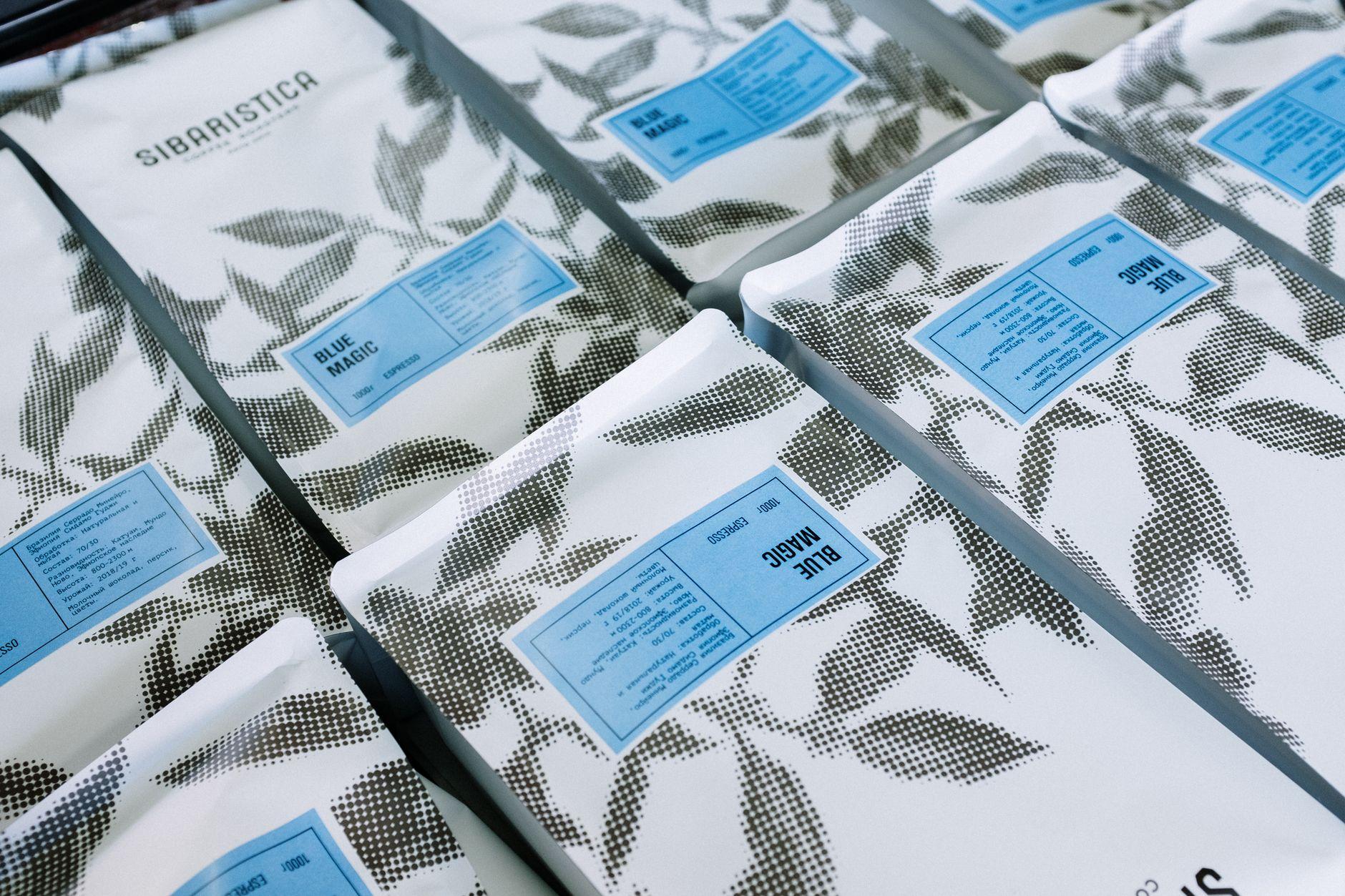
For example, picture a small branding studio pitching a rebrand to a regional coffee roaster. The PDF version is a 12-page file of about 9 MB: intro, three spreads of past projects, scope, a timeline graphic, a fee page with a single price of 24,000 and a signature page to print, sign and scan.
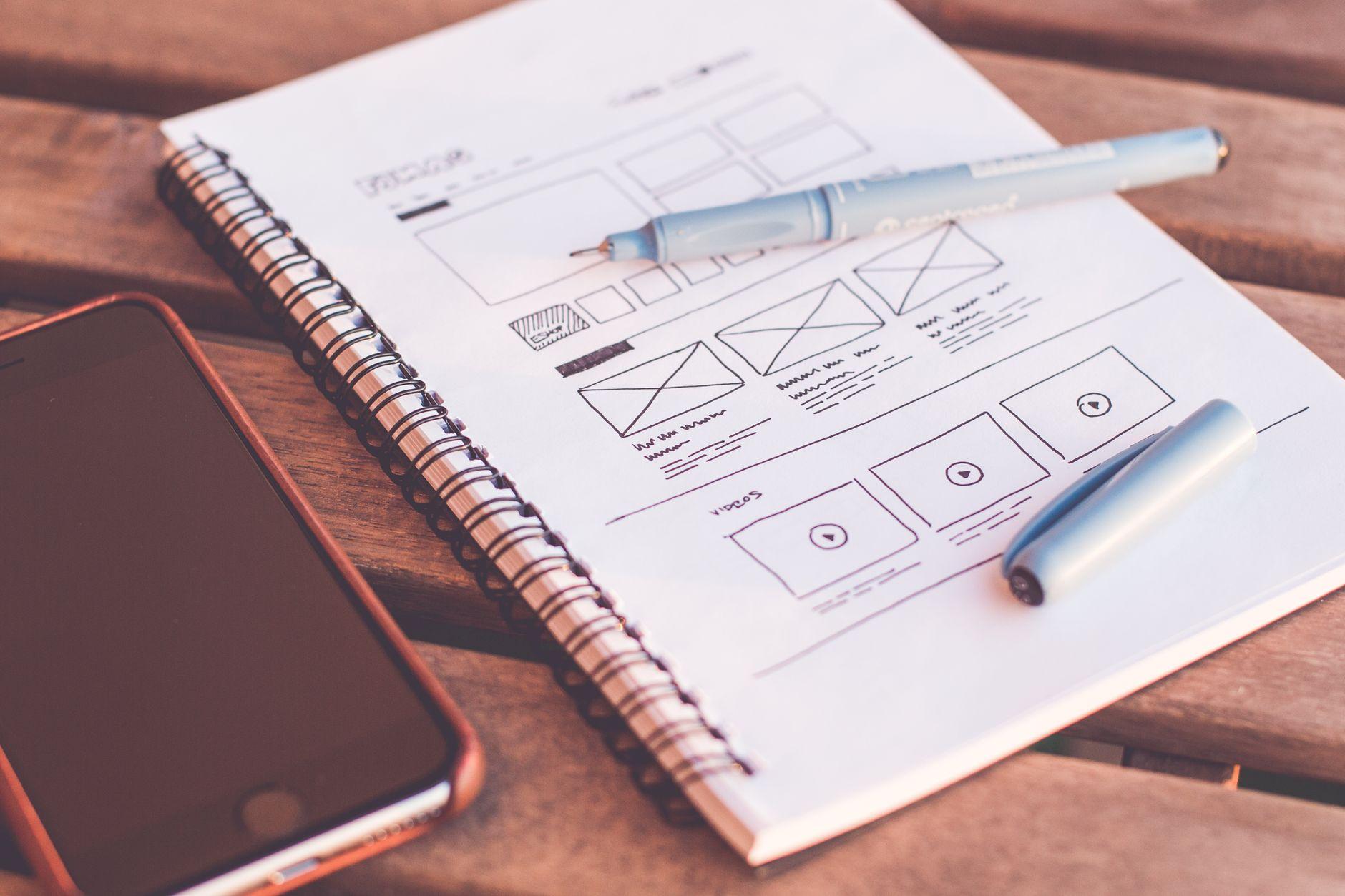
The web version has the same content as blocks: an intro with the roaster's own photography, a project gallery with a short film of a past launch, scope as a scannable list, a timeline, three price options from 18,000 to 31,000 with an optional packaging add-on, and a sign-off block at the end.
Illustrative example: what the studio can see after sending
Illustrative example with invented figures, not client data.
| Signal | PDF version | Web version |
|---|---|---|
| Opened | Unknown until a reply | Opened on day 1, on a phone |
| Time spent | Unknown | About 7 minutes, mostly on past projects |
| Reread sections | Unknown | Price options viewed 3 times on day 2 |
| Forwarded | Unknown | A second viewer opened it on day 2 |
| Option chosen | Reply email after 9 days | Middle tier plus packaging, approved on day 4 |
The difference is not the design alone, though the web version looks like the studio's own work instead of a print file squeezed onto a phone. The difference is what the studio does next. With the PDF it waits and then sends a polite nudge. With the web version it sees a second reader land on pricing and calls with an answer to the question that reader is likely asking.
The same proposal, rebuilt as blocks

Gong's analysis of seller mistakes says its data shows that 32% of the time, reps don't follow up within 24 hours.
A signal makes the timing obvious. Knowing that the client just read the price page is a better reason to pick up the phone than a reminder in your calendar.
When traveling to meet a client, we've found it works great to request a follow-up meeting within 24 hours of the first one.
Pitfalls
Avoid the proposal mistakes that sink creative pitches
What not to do when proposing: don't lead with the fee, don't send a heavy unsearchable file, don't version by file name, don't bury the decision under decoration, and don't end without a clear next step.
Leading with price
A fee on the first screen gets judged before the client has seen why the work is worth it. Earn the number first.
Sending a bloated file
Heavy exported spreads are slow to open on mobile data, and the text inside is often an image nobody can search or copy.
Versioning by file name
proposal_final_FINAL_revised.pdf tells everyone that nobody is sure which copy is current, including you.
Overbuilding the web proposal
Motion and video should support the decision, not delay it. If the price and the sign-off are hard to find, cut something.
Ending without a next step
Close with a single clear action: choose an option, approve, or book a call. A thank-you page is not a next step.
HubSpot gives the average cold email reply rate as 5.6%.
Silence is normal, which is why the chase matters. The trap is chasing blind: the same nudge to everyone, at whatever moment your calendar suggests.
HubSpot gives the average reply rate after a follow-up email as 6.9%.
A follow-up helps, but only a little on its own. What you say, and when, carries the rest.
Forrester's State of Business Buying research reports that 81% of buyers express dissatisfaction with their chosen providers.
Winning the work is only the start, and a pushy chase sets the wrong tone for the project. Engagement signals help you follow up with a reason, not more often. Treat them as context. A client who reread the timeline may be worried about a launch date. A client who opened the proposal at midnight does not want a call about it first thing the next morning. Read the signal, then write the follow-up a thoughtful person would send.
When PDF is fine
Decide when a PDF still earns its place
Should you send a press release as a PDF? Often yes, because a press release is a static text meant to be copied and filed. A proposal is a decision document, so a PDF only earns its place for formal tenders, strict procurement rules and archive copies.
The rule is simple. Use a fixed file when the document needs to be stored, printed or submitted unchanged. Use a web proposal when the document needs to persuade, adapt and collect a decision. Some public tenders and procurement portals demand an upload, and there the file wins by default. Some clients want a copy for their records after they sign, and keeping it is good practice.
The hybrid works for many studios: share the web proposal first, then keep a fixed copy of the agreed version for the file.
Fixed file or web proposal
| Document | Fixed file fits when | Web proposal fits when |
|---|---|---|
| Press release | Journalists need text to copy and file | Rarely needed |
| Formal tender | The portal requires an upload | The buyer allows a link alongside it |
| Signed agreement | You need an archive copy | The client signs inside the document first |
| Creative proposal | Almost never the best first send | You want to show the work and see how it is read |
A quick checklist for the switch
Rebuild your best proposal
Start from the proposal that won you the most work and rebuild it as sections, not pages, keeping your own type and colours.
Cut to the decision
Move the price options and the acceptance step to where the argument has earned them, and drop sections no client reads.
Set how it is shared
Decide who can open the link, and use invited access for clients with strict security rules.
Agree on how you read signals
Decide as a team what an open, a reread or a forward means before the first signal arrives.
This is the job Formlio is built for. A PDF goes into a black box. A Formlio document reports back: who opened it, what they read, when they signed. You build the proposal from blocks with your own fonts and colours, embed the film and the project gallery, and share it as a link that reads well on a phone.
After you hit send, you get a notification when it is opened, time spent on each section, heatmaps and session replay. Clients can toggle optional add-ons in an interactive quote, then slide to approve or e-sign inside the document. Edits happen in a single place with version history, so nobody reads an old price, and a private link with a passcode sent by email keeps the proposal to invited readers.
Questions
Frequently asked questions
An ordered set of sections: the client problem, your approach, scope and deliverables, timeline, price options, terms and acceptance. The file type matters less than the order, but a web proposal lets you adapt that order per client and collect the decision in the same place.
Send it as a web proposal instead of an attachment. A link-based document can notify you when it is opened and show time spent per section. Formlio adds heatmaps and session replay on top of open notifications.
Electronic signatures are a common way to accept commercial terms. Formlio supports typed, drawn or uploaded e-signatures and a lighter slide-to-approve. Check the rules for your contract type and country if the agreement is unusual.
Use invited access. With a Formlio private link, only the email addresses you add can open the document, and each reader confirms with a passcode sent to their email first.
If the client asks for it or your contract process needs an archive, yes. Keep the web proposal as the place where the client reads and decides, and treat the fixed copy as the record.
As long as it takes to answer the client's questions and no longer. Cut any section that does not help them decide, and keep past projects to those closest to their brief.
Rebuild your strongest proposal section by section rather than importing pages. Carry over your fonts, colours and best past projects, then save the result as a template for the next pitch.
Template
Send your next proposal as a link
Build it from blocks, share it as a link, and see who reads what after you hit send.